How Can We Help?
WeigherLog
General description
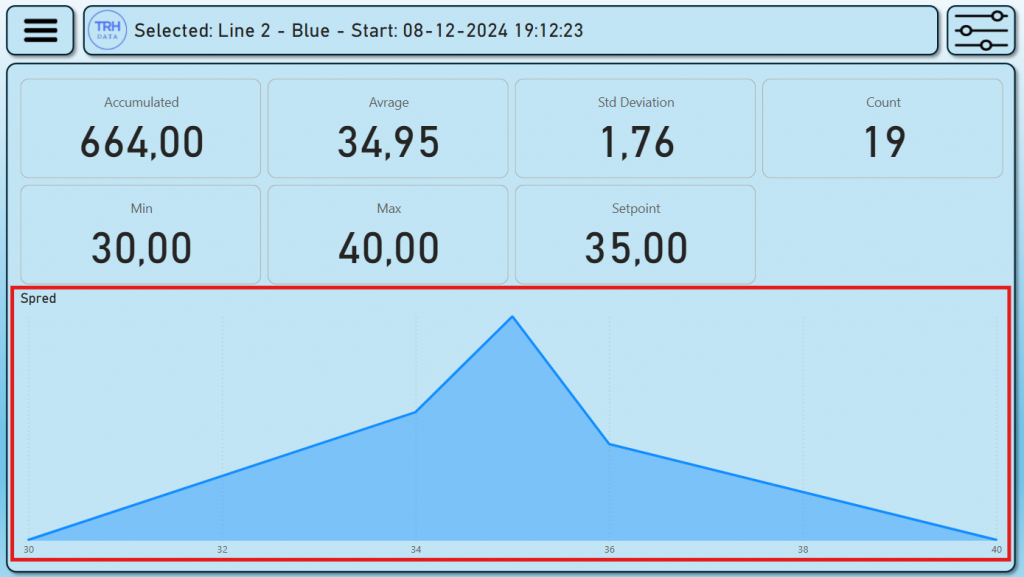
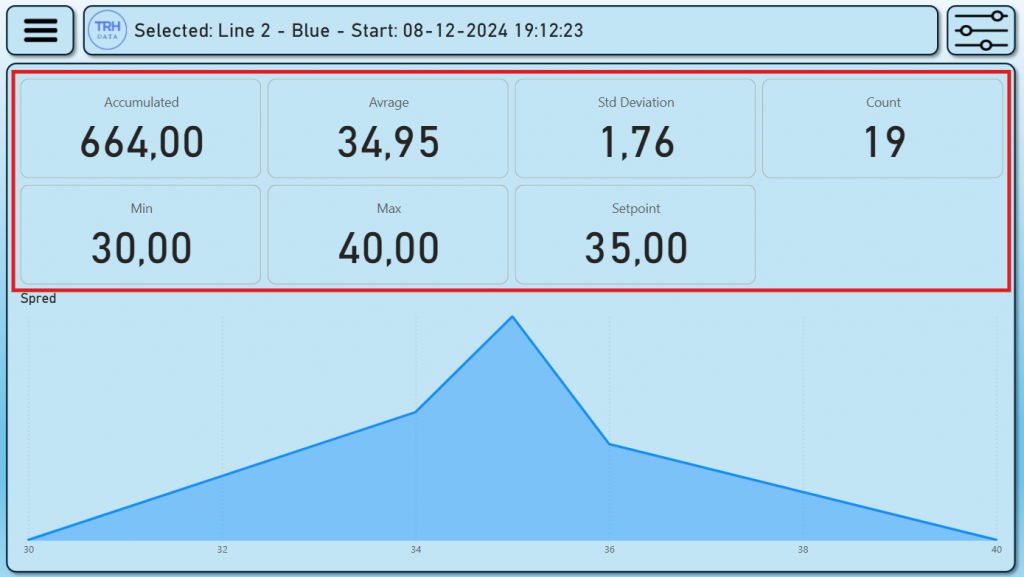
WeigherLog shows weighing data based on a selected production.
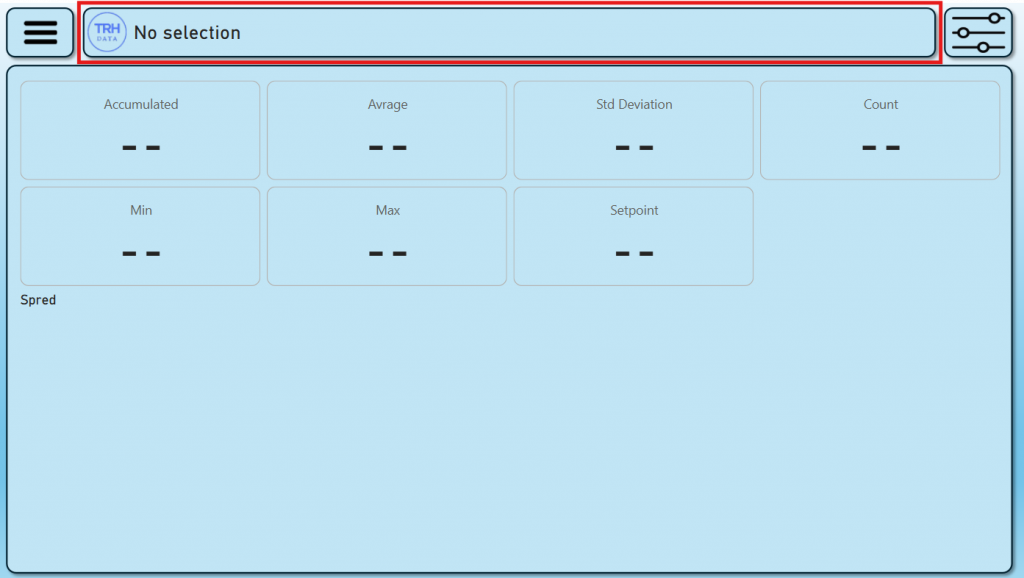
No selection
If there is not selected a specifik production the title will show “No selection” and there will be no data visible in the data area.
Selecting production data
To select production data open the filter settings menu.

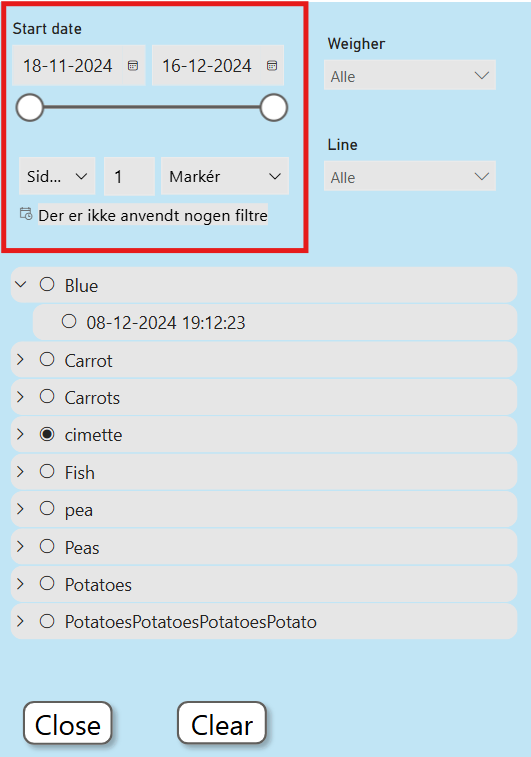
Start time
Use the time periode or relative periode to filter the production data.
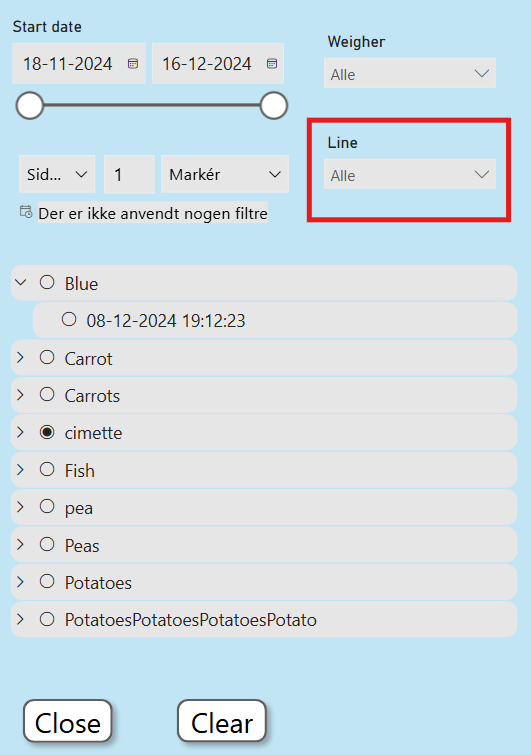
Line
Select a line to filter by.
Weigher
Select a weigher to filter by.
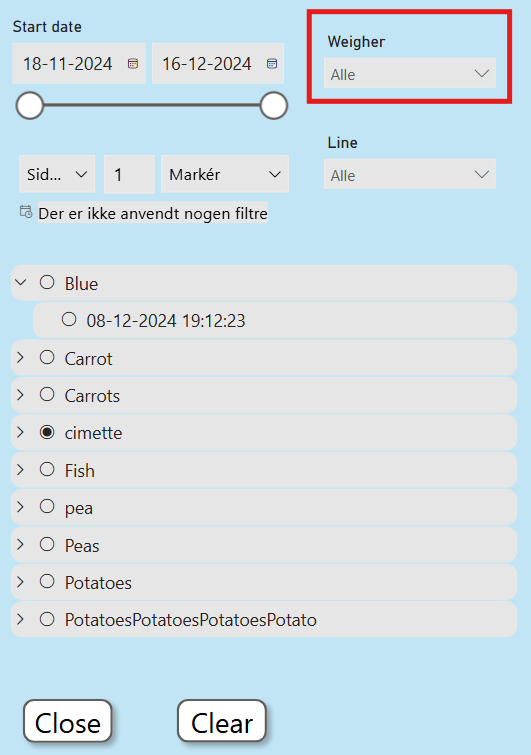
Recipe
Select a recipe and a specifik production date and time.
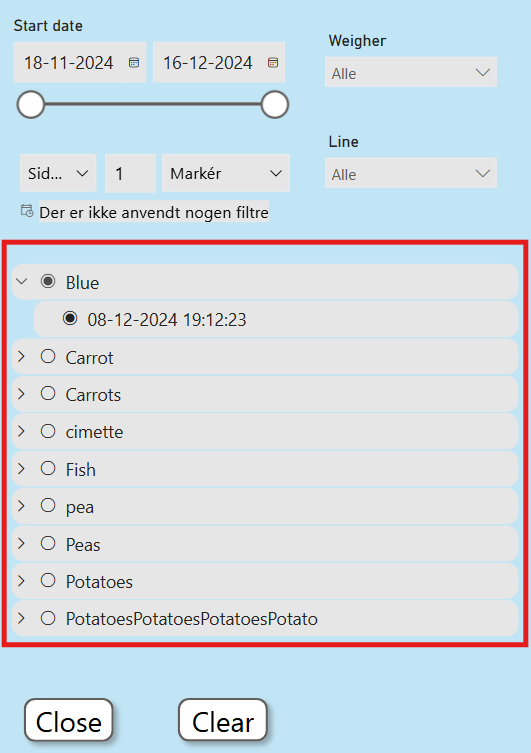
The specific production data is now loated to the data area.
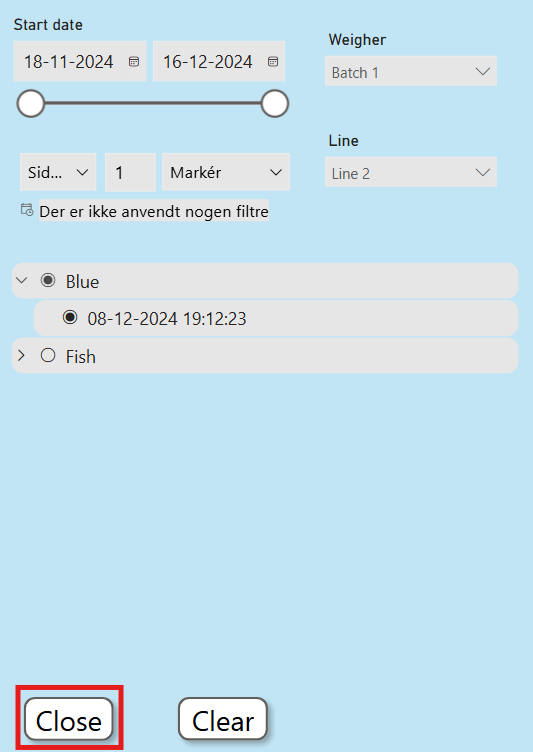
Press the close button to close the filter settings menu.
Title
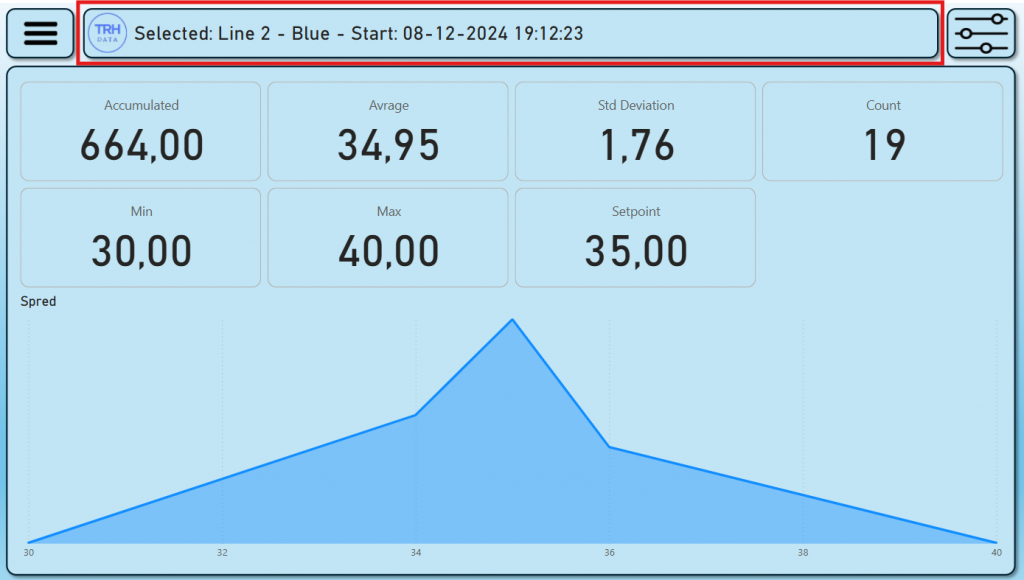
The title area now shows the selected production data record.
Line name – Recipe – Start date and time.
Calculations
D
- Acc
- Avg
xx
xz