
ProductionLog
General description
ProductionLog shows a list view of the stored production data, for all machines.
A new row is created each time a machine is started.
Columns
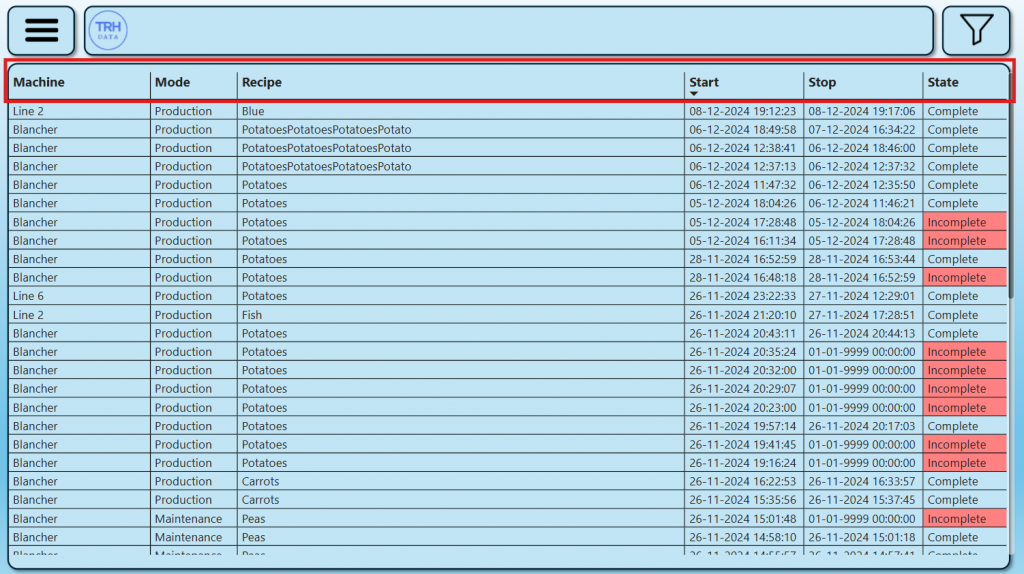
Machine
Name of the machine.
Mode
Mode of the machine when started.
Modes:
- Production
- Cleaning
- Maintenance
Recipe
Name of the recipe when started.
Start
Time and date when started.
Stop
Time and date when stopped.
State
Indicates the current state.
States:
- Running (The machine is still running)
- Complete (The machine has stopped)
- Incomplete (No macinestop detected)
Parameters
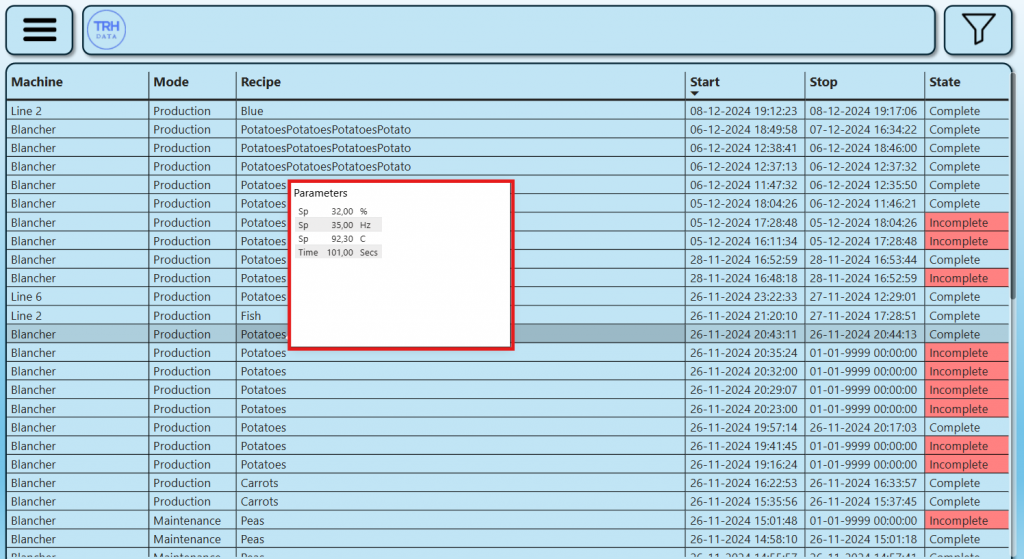
Selective production parameters are stored for each machine.
Quick view
By hovering over a row, the parameters are shown.
Filter
Focus on specific days, machines, states by filtering the ProductionLog.
One or more filters can be used at the same time.
View
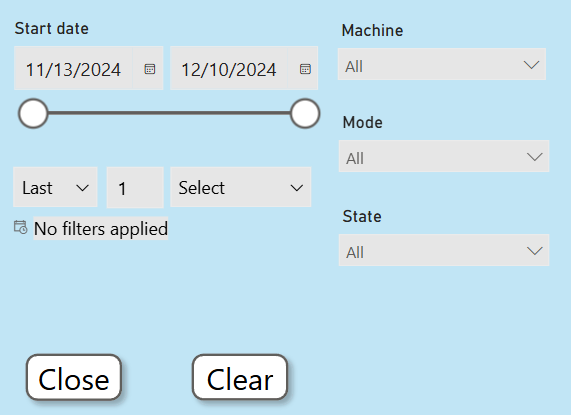
Start date
Time period
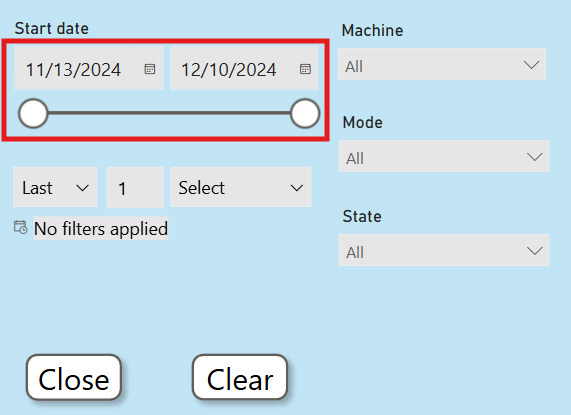
Select a from and to date to filter by.
Relative
Select a relative time periode to filter by.
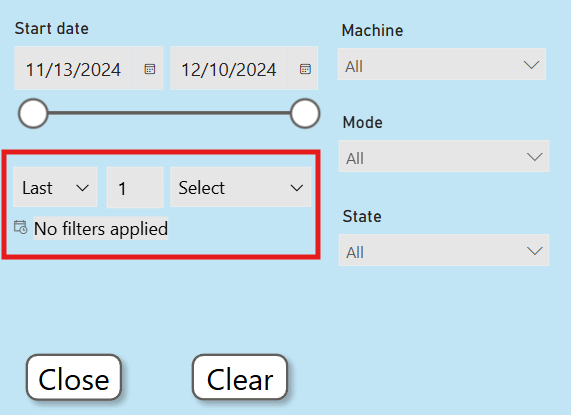
Machine
Select one or more machines to filter by.
Mode
Select one or more mode to filter by.
State
Select one or more states to filter by.
Buttons
Close
Close the filter menu.
Clear
Clear all filter settings.