How Can We Help?
Layout and navigation
Layout
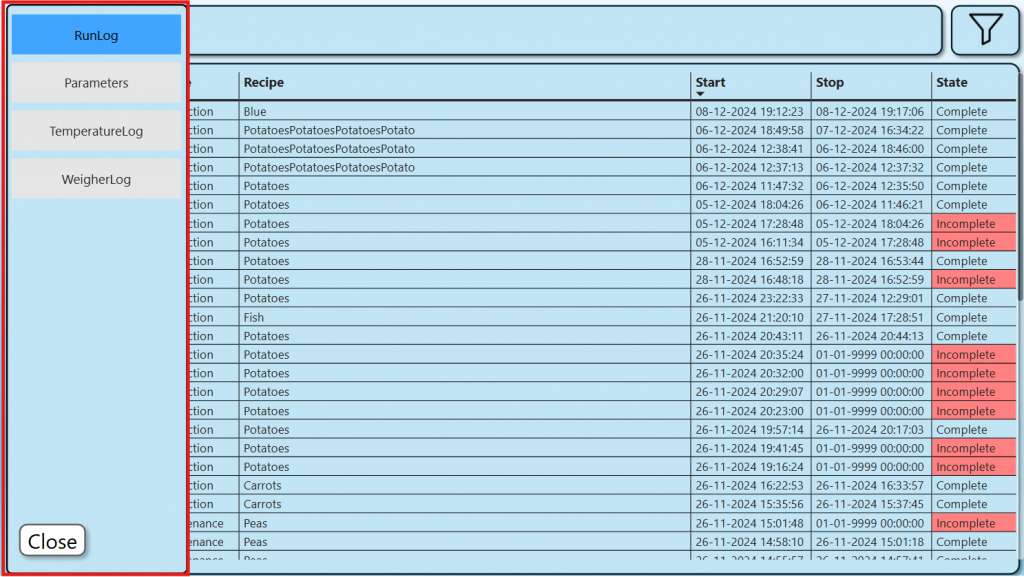
Page navigation menu
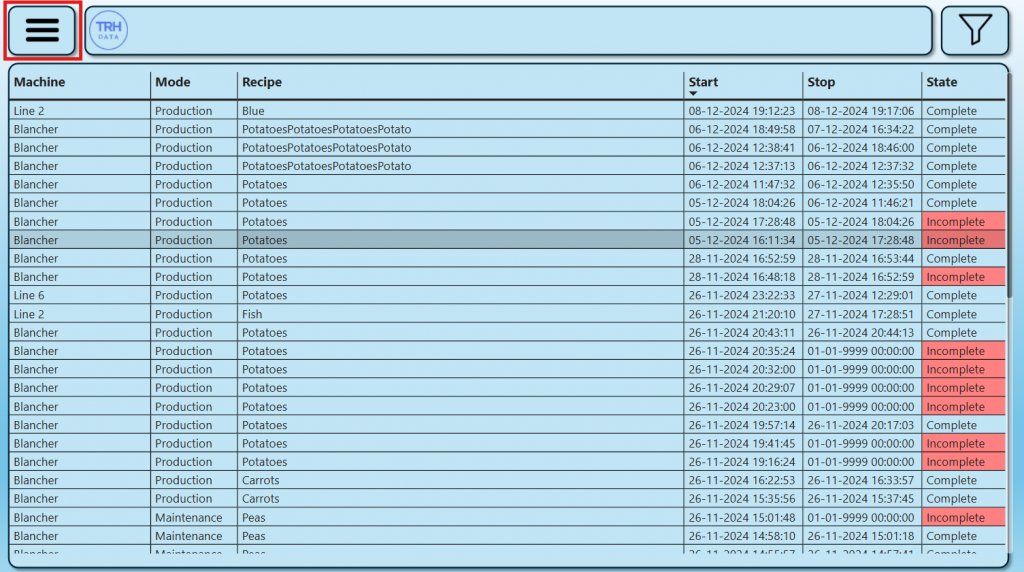
Button open the page navigation menu.
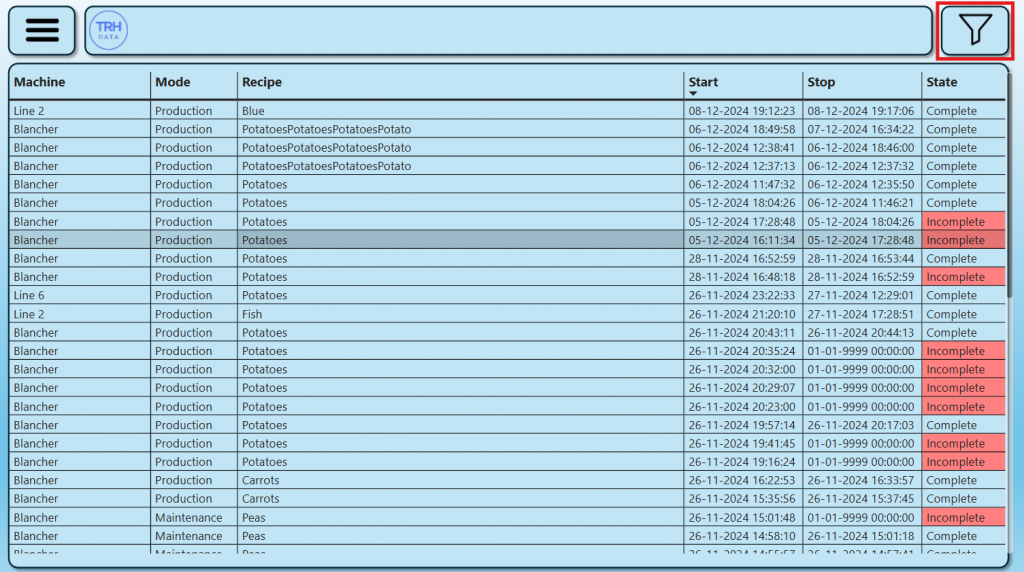
Filter settings menu
Button open the filter menu.
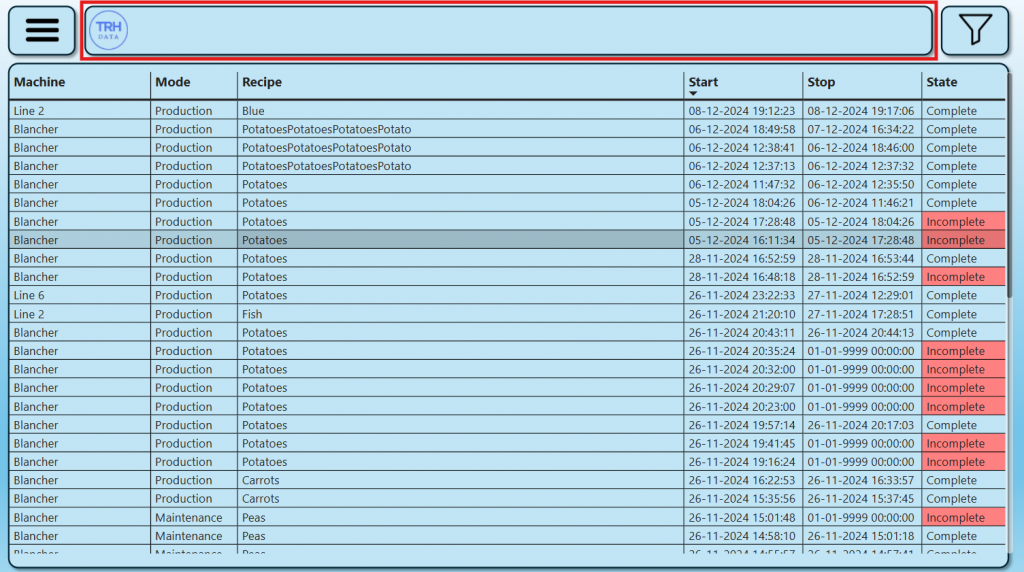
Title
Title area shows information in varus ways, depending on the page type.
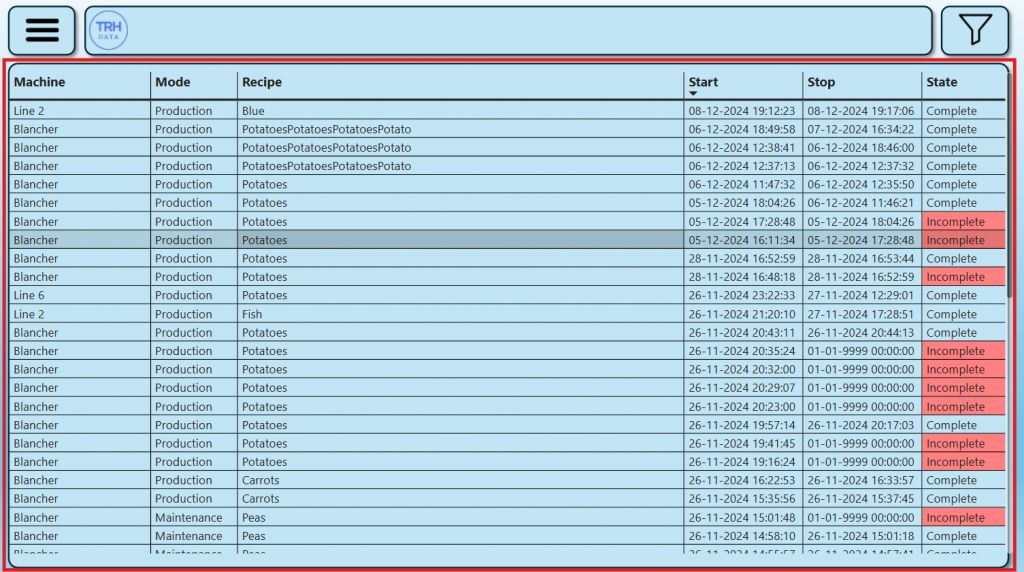
Data area
Data area shows data in varus ways, depending on the page type.
Navigation
Switch page
Press the page navigation button.
The page navigation menu is opened, and the current page is highlighted.
To switch page press the button for the desired page.
If you want to stay on the current page, press the close button.